Journaling
Family voice journals: record one scene in a minute
Parent Journey — LiNael Production · 3 min read
Published · Updated
A practical guide to preparing, recording and finding family voice notes without specialist equipment or compulsory AI transcription.
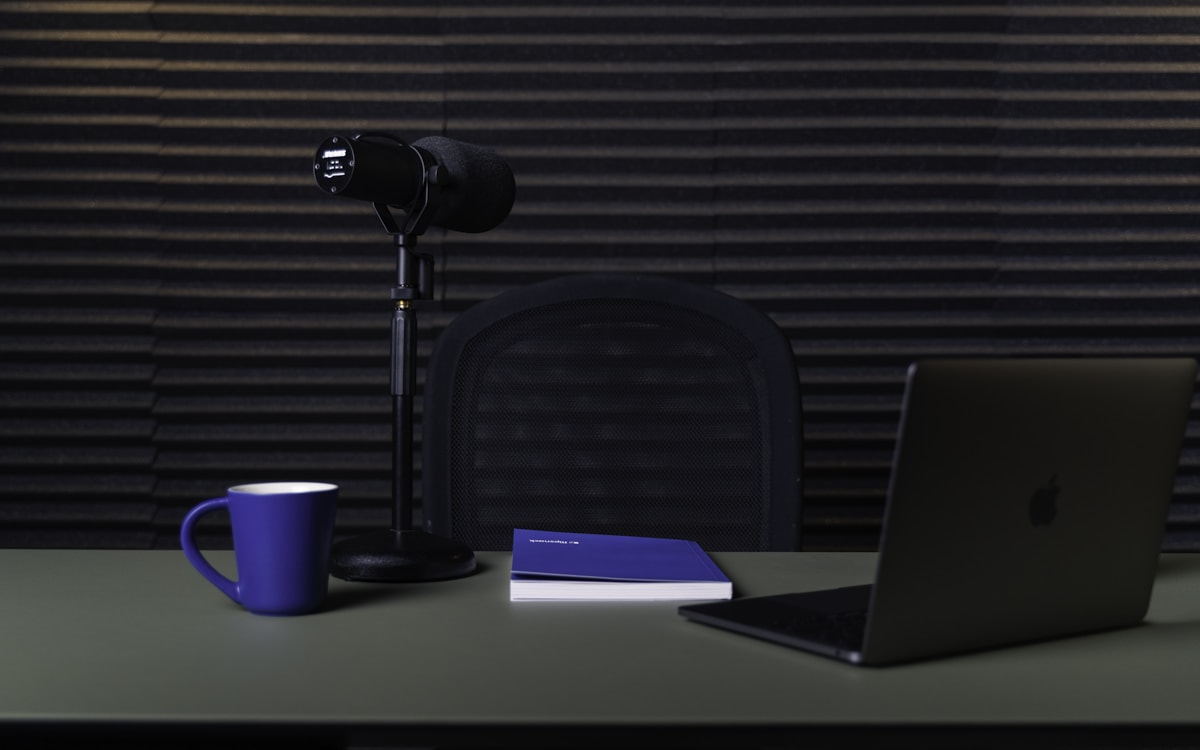
The short answer
A family voice journal collects short recordings with dates and descriptive titles. For your first note, describe one scene in a quiet place and play the file back. Keep the original audio even if you later add a written summary.
Choose an opening sentence
A record button can feel as intimidating as a blank page. Before pressing it, choose a starting line: “Today I want to remember…” or “What the photograph does not show is…”. You can record your own account; your child does not need to participate.
Fictional example: “We were coming home from the market. You carried the lemons as though they were treasure and counted bicycle wheels.” A general setting and a few actions give enough context. An address, school name or detailed family timetable usually adds little.
Make a short test recording
Keep your phone at a comfortable, fairly stable distance and record a few seconds. Listen on its speaker or on headphones you already own. If wind, television or clothing noise covers your voice, move before making the full recording.
You do not need to buy a microphone. A calmer location may be more helpful than new equipment. Do not handle the phone while driving or during an activity that needs your attention. You can describe the event later.
Tell one scene, then stop
Begin with the setting, explain what happened and finish with the detail you want to keep. Hesitations do not automatically need editing out. You may nevertheless want another take if a private conversation, full name or unwanted detail has entered the recording.
When someone else joins in, explain who will be allowed to listen and give them an easy way to decline. Agreeing to a conversation is not the same as agreeing to a shared recording. Do not treat hesitation as permission.
Give the file a useful identity
Choose “The lemon song” rather than “Tuesday audio”. Record the event date if it differs from the recording date. Add one written sentence so you can recognise the subject without playing every file.
The Library of Congress guide to personal audio discusses identifying and organising recordings worth keeping. A practical version for this journal is one sound, one date, one title and a checked copy.
Parent Journey’s free launch limits a recording to two minutes. Listen before saving, then reopen the saved memory. Automatic transcription is not enabled; you can type a caption yourself. Export your archive periodically so that readable audio files also exist outside the application.
From a moment to an audio memory
Prepare
Choose one scene and an opening sentence.
Record
Make a test, then a short recording somewhere quiet.
Check
Play it back, give it a title and keep a copy.
Common questions
Does a voice journal need a transcript?
No. A caption may be enough to find a recording. A transcript is useful when a relative prefers reading or when you want to search for particular words.
How do I check that audio was saved?
Reopen the memory and play it. Check that an export contains a playable audio file rather than only a download address.
Sources and further reading
Sources checked on 8 September 2026. Templates and examples are original editorial suggestions; example situations are fictional.
Try it in your journal
Create a memory and choose voiceSign-in required. You choose what to save or share; this link does not change anything in your journal.